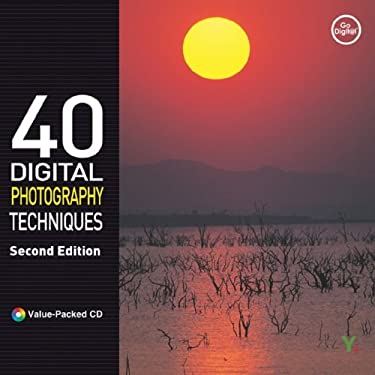
40 Digital Photography Techniques will show you how to:
- Choose, use, and accessorize your digital camera
- Understand and exploit various sources of light
- Get creative with filters
- Become effective with low-light and night photography
- Capture expressive portraits of adults, children, and yourself
- Photograph objects in motion and get great action shots
- Catch the mood of your vacation, a snowy or rainy day, a brilliant sunrise or sunset
- Shoot everything–panoramas, architecture, landscapes, products, food, cars, pets
- Take animated photos with your camera phone
- Transfer, edit, and print your images, or share them on the web
- And more
How is this book different?
Written for new digital camera owners in a language that’s easy to understand
- Presents inspiring, full-color images on every page
- Lets you dive right in and have fun with your digital camera
- Helps film photographers make a smooth transition to digital
- Combines technical instruction with creative ideas to help boost your skills
- Groups topics thematically for quick reference
- Provides a thorough explanation of how digital cameras work
- Uses practical step-by-step instructions, explanations, shortcuts, and tips
- Shows you how to shoot professional-looking images with any digital camera
Who is it for?
- Anyone interested in correcting, enhancing, or creating digital images–for home or professional use
- Photography hobbyists, professional photographers, print and web designers
Contents
- Using Adobe Photoshop Elements 3.0 effectively
- Correcting lighting and contrast
- Coloringblack-and-white photos
- Removing red eye, eliminating blemishes, and enhancing facial features
- Using Lens Blur
- Cleaning up, combining, and resizing images
- Creating reflections and text effects
- Whipping up photographic and other special effects
- Making a web banner
- Creating a photo gallery for the web
- Effective Masking
- Correcting Inaccurate White Balance
- And more